
Share
How to Display macOS Notifications from the Command Line

Share

In this guide, we’re going to use AppleScript and a tool called osascript to display macOS notifications. AppleScript is a scripting language created by Apple that allows us to automate control of Mac applications, and osascript is a tool that allows us to execute AppleScript from the command line.
With these tools, we can easily display macOS notifications from the command line or from within shell scripts.
1 – Use the “display” AppleScript command
Text-only notification
The display command can be run like this:
display notification "test notification!"But if we want to execute this from the command line, we need to use osascript with the -e flag.
osascript -e 'display notification "test notification!"'Notification with a title
osascript -e 'display notification "test notification!" with title "This is the title"'Run any of these examples from the Terminal application (or your favorite terminal emulator), and you’ll see the notifications appear!
How to Enable the “Popping” Sound When Adjusting the Volume on Your Mac

Starting with MacOS Sierra and High Sierra, your Mac will no longer play a “pop” sound when you adjust your volume. If you prefer to have this sound when you adjust volume up and down (as I do), this guide will teach you how to reenable it. 1 – Open Sound System Preferences Navigate to System
Introducing Howchoo, an enigmatic author whose unique pen name reflects their boundless curiosity and limitless creativity. Mysterious and multifaceted, Howchoo has emerged as a captivating storyteller, leaving readers mesmerized by the uncharted realms they craft with their words. With an insatiable appetite for knowledge and a love for exploration, Howchoo’s writing transcends conventional genres, blurring the lines between fantasy, science fiction, and the surreal. Their narratives are a kaleidoscope of ideas, weaving together intricate plots, unforgettable characters, and thought-provoking themes that challenge the boundaries of imagination.
Related to this guide:
How to Enable the “Popping” Sound When Adjusting the Volume on Your Mac
Starting with MacOS Sierra and High Sierra, your Mac will no longer play a “pop” sound w
How to Always Show File Extensions in MacOS
As a website designer, I work with a lot of files—and a lot of file types. Nothing’s worse t

How to Block a Website with Screen Time on Your iPhone
Screen time gives iPhone users the opportunity to track and manage their iPhone usage, making s
How to Disable Local Time Machine Backups in macOS
Your Mac has a “feature” that will put time machine backups on your local disk if your p
How to Update Blender
Blender is one of the most popular open-source 3D creation suites today. It doesn’t cost a dim
How to Get Dashboard on MacOS Big Sur
With the introduction of the new macOS, Big Sur, many things like even securely emptying your t
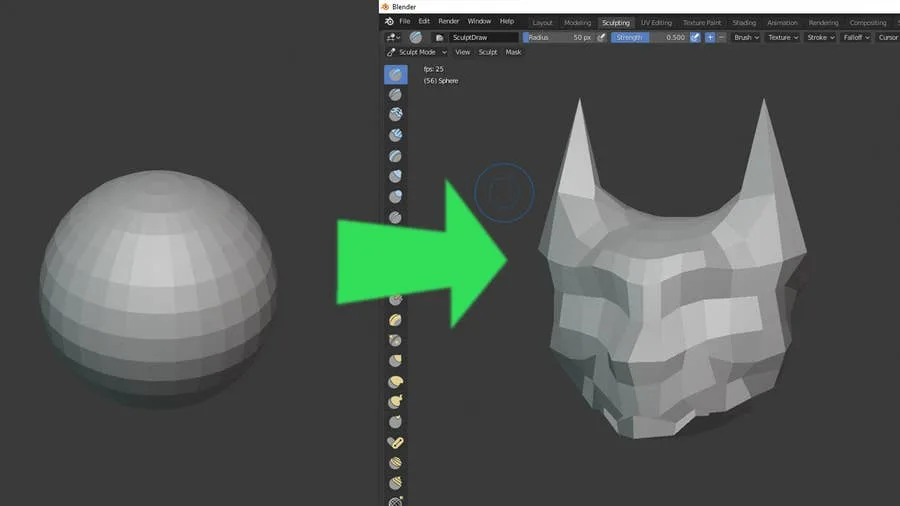
How to Sculpt in Blender
Blender has made a name for itself over the years as the go-to open source 3D modeling application.
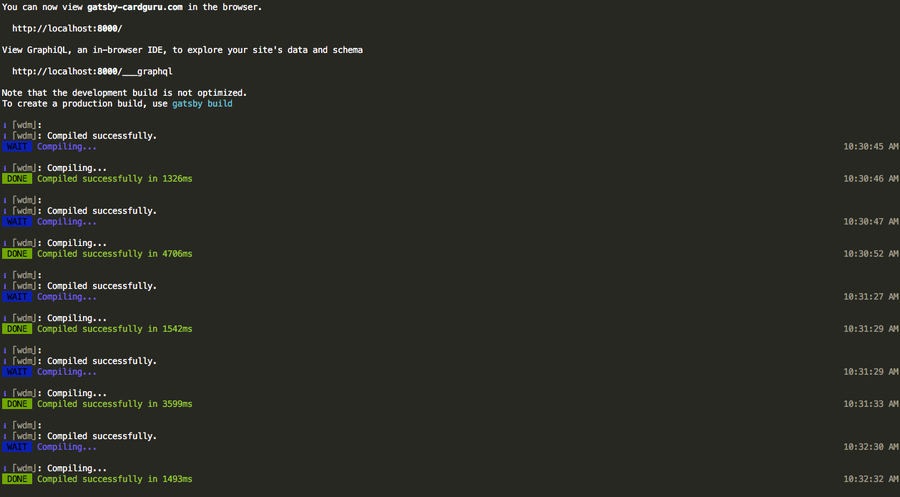
How to Use the Monokai Theme in Terminal on Mac
As a big fan of Sublime Text, I was excited to find out that somebody made a port of the Monokai the
How to Install SSHFS
This guide will show you how to install SSHFS on various operating systems. 1 – On macOS Using
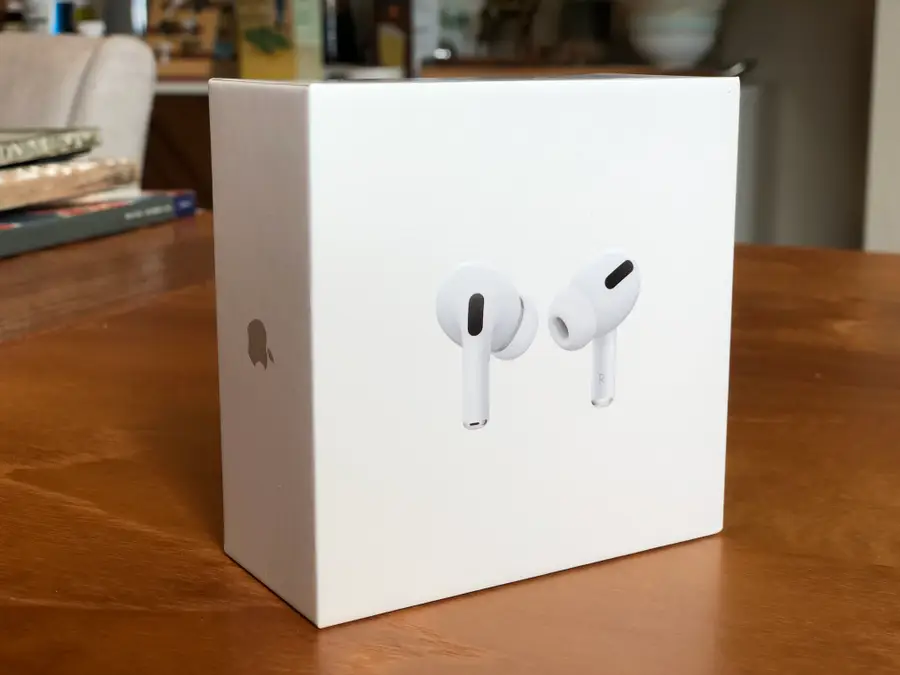
Apple AirPods Pro Review: Read Before You Buy!
⭐⭐⭐⭐OUR RATING: 4.0/5 Recently, Apple’s been pushing their AirPods Pro